A shared location pin looks wrong. What should I do?
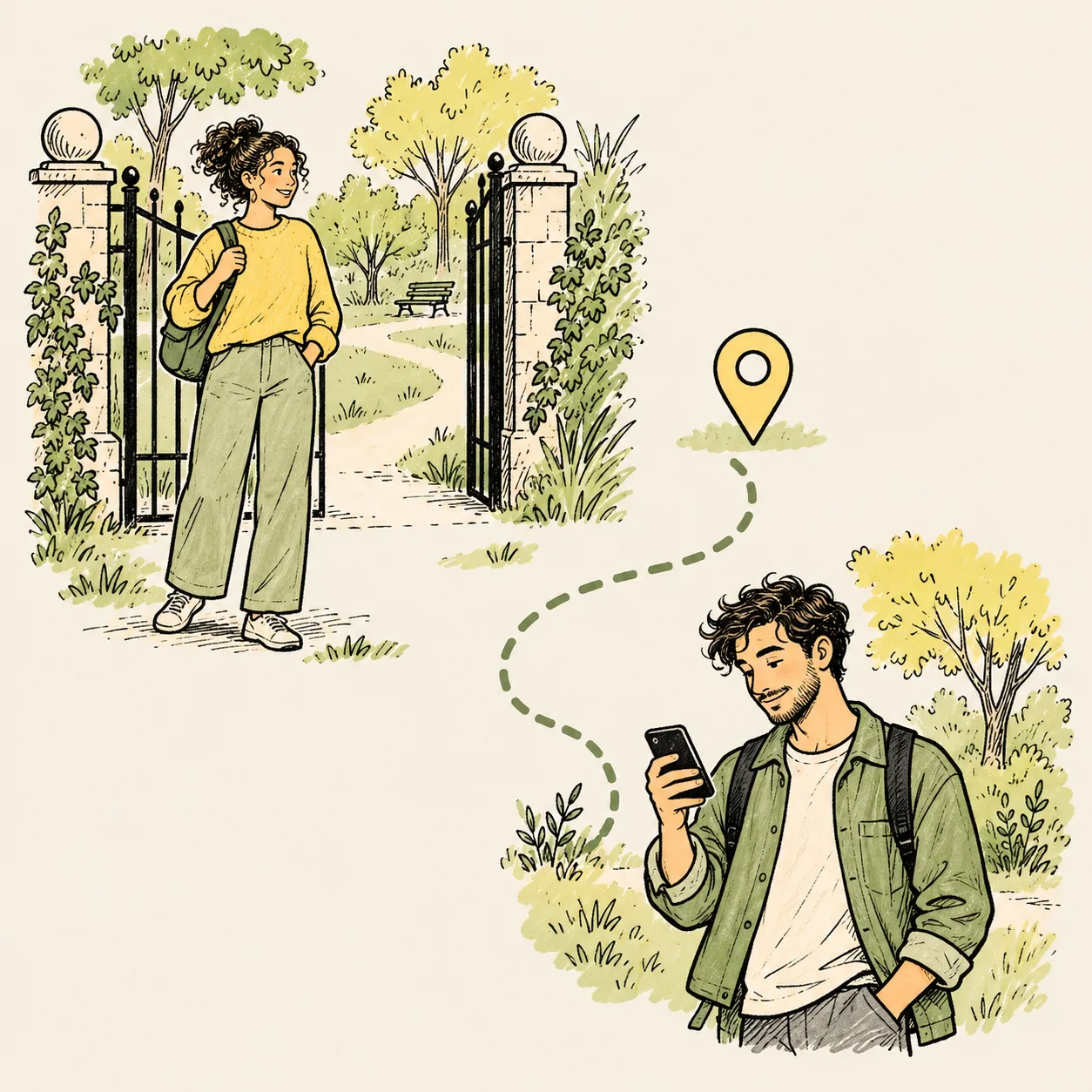
You are expecting someone home, but their shared location pin appears on the wrong street or has not moved. A pin is an estimate from a device, not proof of where a person is right now. Google says Maps can show an uncertain area or an earlier location when it cannot find the current one. Buildings, underground spaces and weak signals can affect accuracy. Check the app’s status and speak to the person before drawing a conclusion; if you have a real reason to think they are in immediate danger, seek help without waiting for the map to settle.
ishowcrime desk
Sources checked 16 November 2026
Here’s what you can do.
Check what the map actually shows
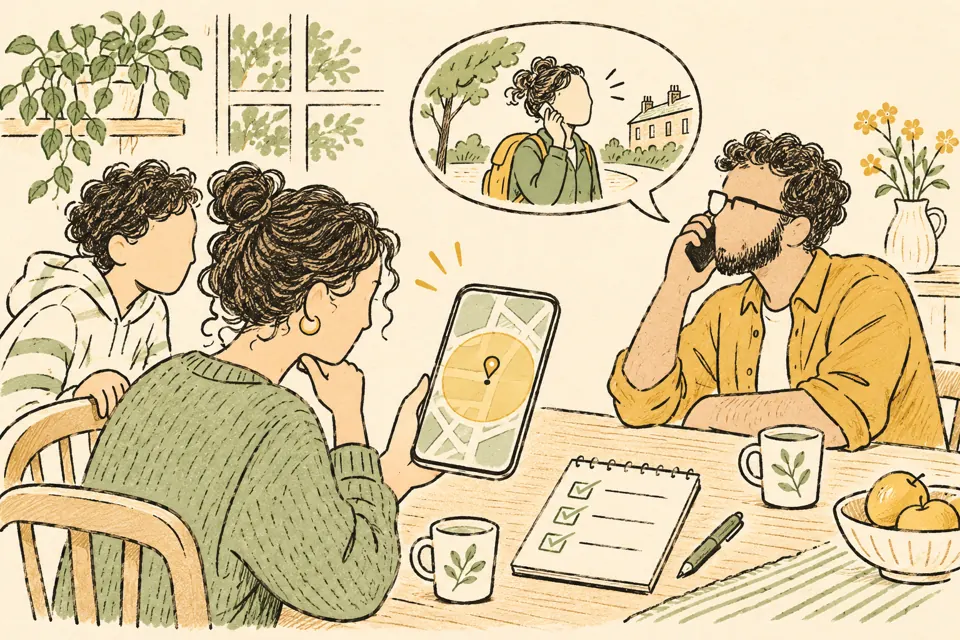
Look for when the shared location was last updated or whether it says the location is unavailable. If the person can check their own Google Maps blue dot, a broad light-blue circle means its position is uncertain; a grey or missing dot can mean Maps is showing their last location. Google says the location another person shares can be their device’s recent location. Do not treat a stationary pin, battery indicator or map label as proof that the person is still at that spot. For example, a pin beside a station might remain there after the traveller goes underground. That is a hypothetical example, not a report about any individual.
Check with the person through your usual route
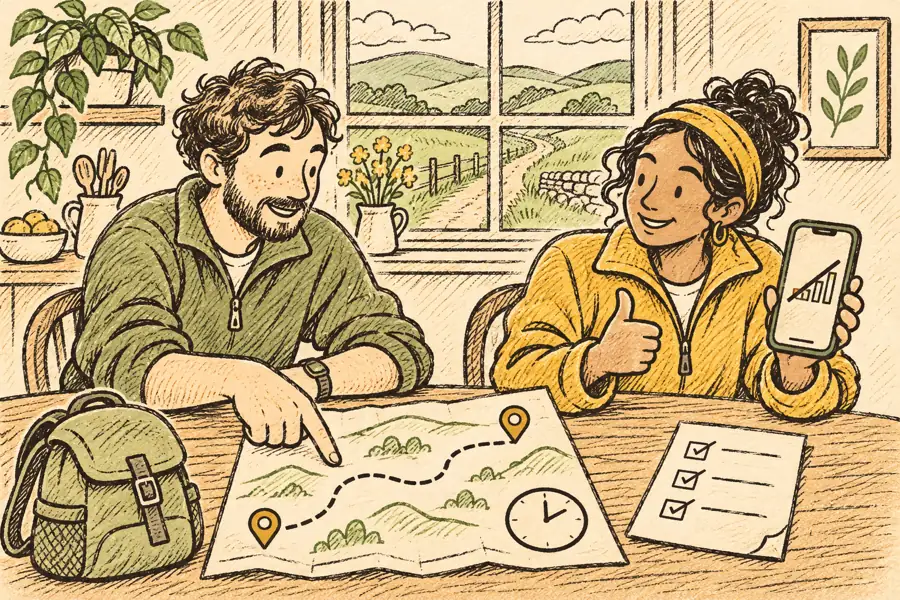
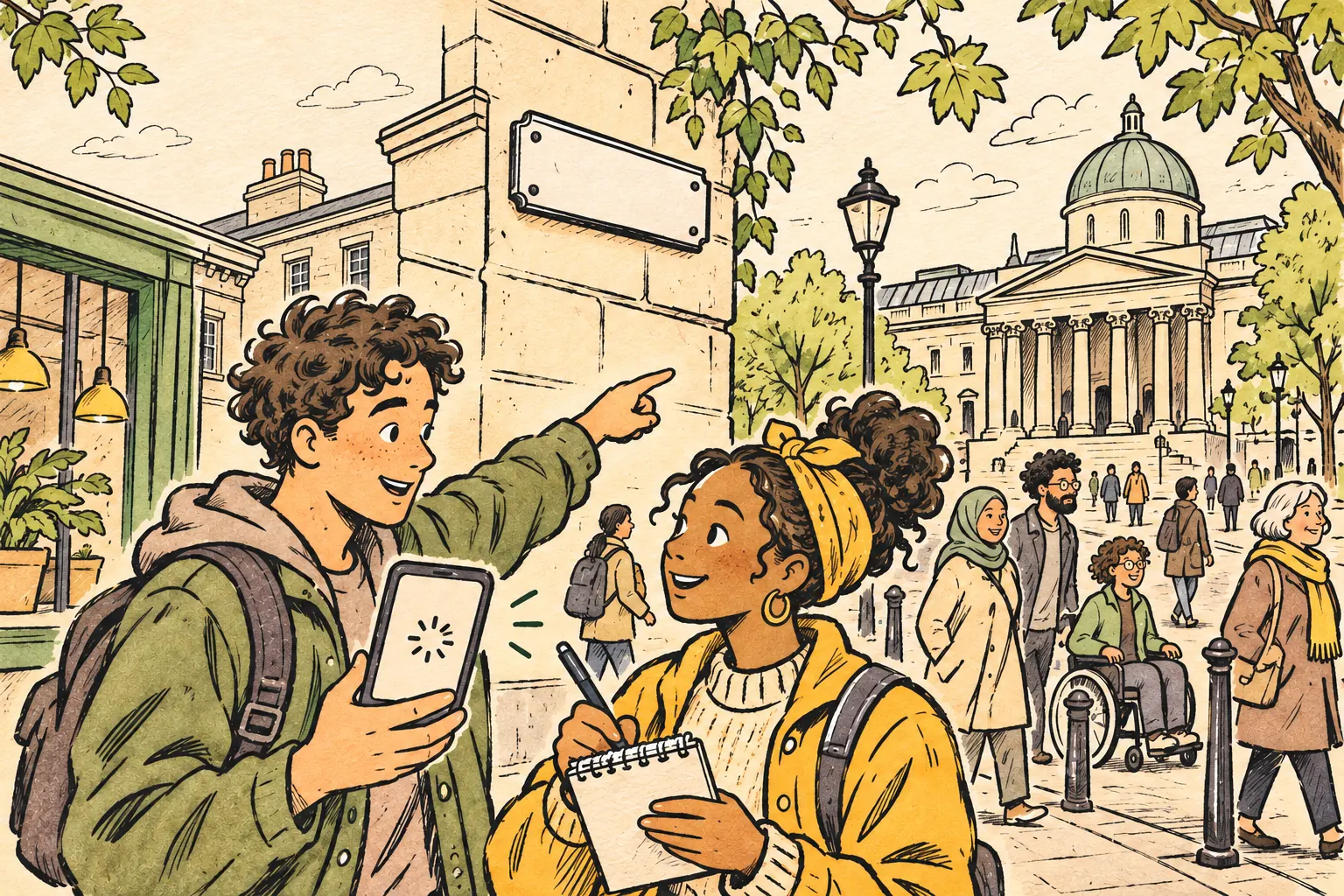
Call or message the person using contact details you already know. Ask them to describe where they are or a nearby landmark if they can reply. If they are using Google Maps on Android and their own blue dot looks wrong, Google recommends following the app’s accuracy prompts; tall buildings, underground spaces, connectivity and location settings can affect the result. On an iPhone, Apple says the person sharing can check Find My’s Location Services and which device is set as ‘Sharing From’. Ask them before changing any setting or sharing their location with someone new. A missed reply alone does not establish an emergency; use your agreed check-in plan if you have one.
Get help based on what you know, not the pin alone
If you believe someone is in immediate danger or a crime is in progress in the UK, call 999. Explain what you know, when you last heard from them, and that the map position may be uncertain or old. Do not wait for a pin to update, travel to an uncertain location to confront anyone, or present the dot as a confirmed sighting. For a police matter that is not an emergency, GOV.UK directs you to 101 or official online reporting routes. If the person replies safely, agree a clearer check-in time or meeting point for the next journey.
Your quick checklist.
Tick what you’ve done. This stays on this page.
0 of 3 markedDownload a short text copy to read without internet. It cannot call or alert anyone.
A few things explained.
Why can a shared location appear on the wrong street?
Google says GPS may be inaccurate inside buildings or underground, and tall buildings or weak connections can affect its estimate. A broad circle around Google Maps’ blue dot signals uncertainty. The exact cause of one wrong pin cannot be diagnosed from the map alone.
Does an unmoving pin mean the person has stopped there?
No. Google says a shared location may be the device’s recent location rather than a live position. If the map cannot find the current position, it may show the last location. Check the update status and ask the person directly when possible.
Should I wait for the map before calling for help?
No. If someone is in immediate danger or a crime is in progress, call 999 and tell the call handler what you know, including any uncertainty in the shared pin. For non-emergency police contact, use 101 or an official online route.