I gave a caller my router password. What should I do?
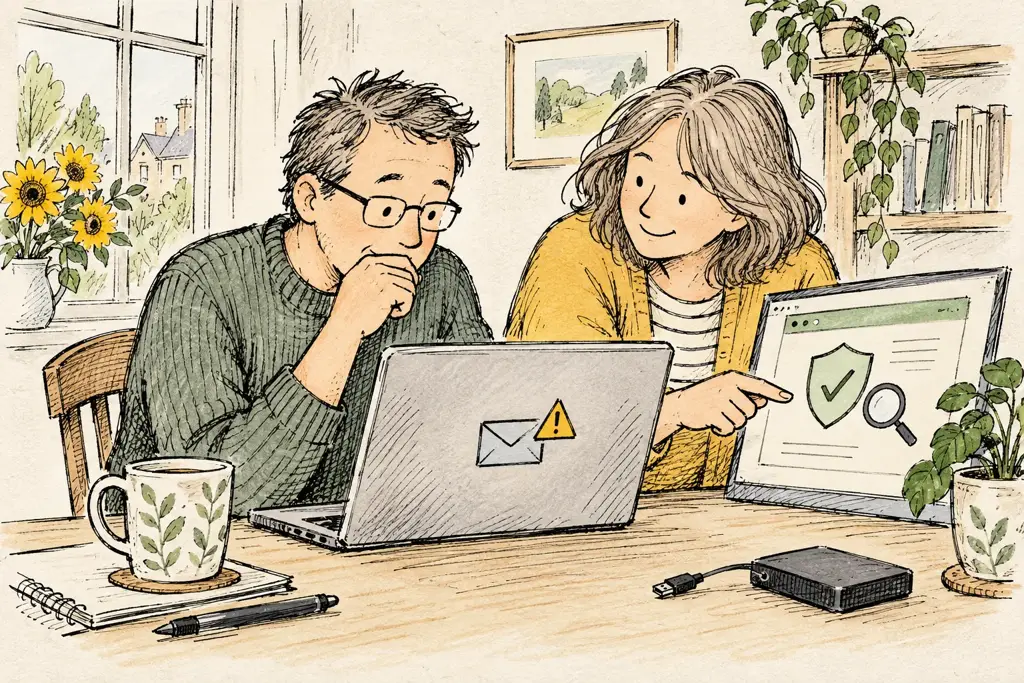
A caller says your broadband needs fixing and asks for a router password. Urgency, password requests and demands for computer access are warning signs identified by BT. This is about impersonation, not wrongdoing by your real provider. Identify what you shared. The admin password protects router settings; the Wi-Fi password lets devices join the network. Your provider account and a separate guest network may have their own passwords. Changing the wrong one can leave the exposed password in place. End the call and use official help to change the right credential.
ishowcrime desk
Sources checked 29 October 2026
Here’s what you can do.
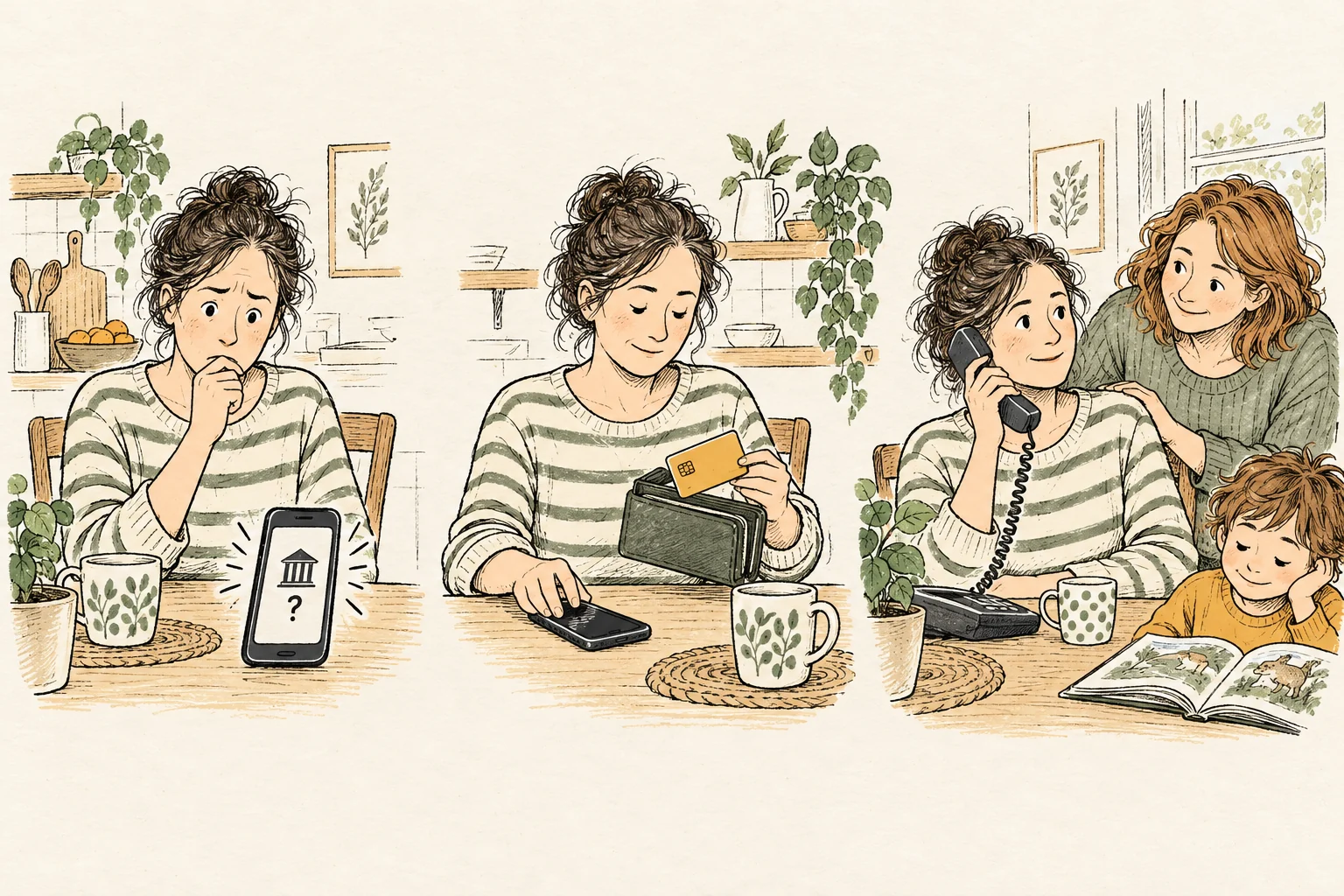
End the call and contact the real provider
Stop following the caller's instructions. Do not install software or give them remote control. Open your provider's official website yourself or use contact details from your bill, not a number or link the caller supplies. Explain exactly what you shared and whether you changed settings or allowed computer access. BT customers can use its contact page below.
Change the exposed password using official help
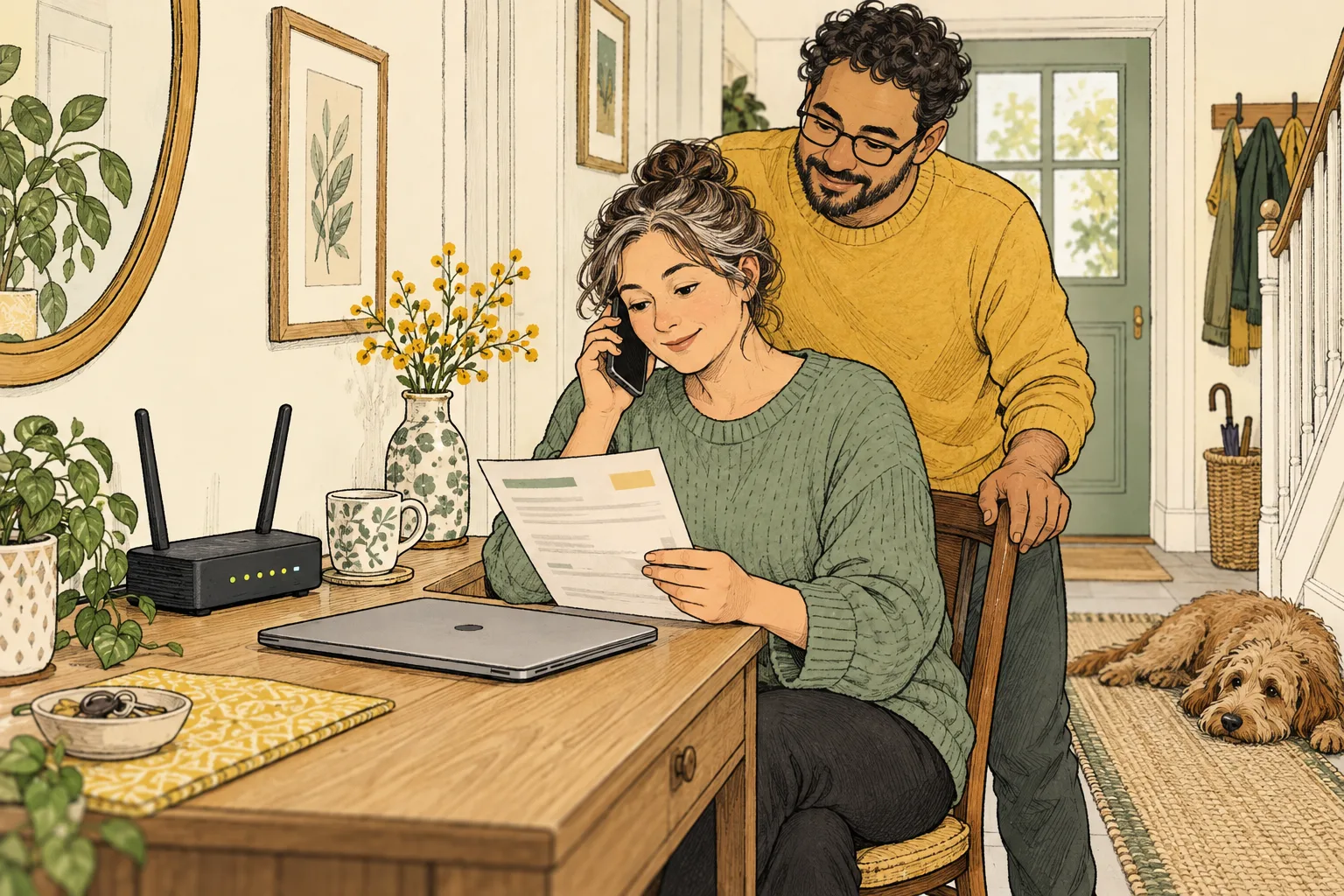
Use the provider's or manufacturer's instructions for your exact model. Change an exposed admin password through its genuine router settings or supported app; change the Wi-Fi password separately if that was shared too. If you disclosed a guest-network password, use the guest-network settings to replace it, then save the change. For an online provider-account login, use that account's password-recovery help instead. If you cannot sign in, or are unsure what the caller changed, ask the provider for recovery help. The BT and NETGEAR links below give model-specific instructions.
Deal with any wider exposure
Change passwords on other accounts where you reused the disclosed password. If you installed software or opened a suspicious link on a computer, NCSC advises a full scan using your antivirus, if available; contact work IT for a work device. Contact your bank promptly if banking details were exposed or money was sent. BT also advises contacting the bank if a possible scammer gained remote computer access.
Your quick checklist.
Tick what you’ve done. This stays on this page.
0 of 3 markedDownload a short text copy to read without internet. It cannot call or alert anyone.
A few things explained.
What if the password I shared was for guest Wi-Fi?
Treat it as a separate credential. On the Orbi models covered by NETGEAR's linked guide, open Guest Network in the router settings, set its password and select Apply. Also check the option allowing guests to see each other and access the local network. NETGEAR says leaving it cleared prevents guests from reaching computers and devices on the Orbi network while allowing internet access. Keep it cleared if visitors do not need that access. Do not assume every router isolates guests in the same way; ask your provider about your exact model. Changing a guest password does not change an exposed admin password.
Should I factory reset the router if I cannot sign in?
Ask the provider about your model's recovery options first. BT describes a factory reset as a last resort, not the same as restarting. It removes personalised settings and passwords. With a BT Digital Voice handset, saved contacts may also be lost, so follow BT's contact-backup advice before a reset. Do not assume one model's reset instructions apply to another.
Where do I report the scam?
Tell the real provider about impersonation; BT's scam page includes its reporting route. Report cyber crime or fraud to Report Fraud in England, Wales or Northern Ireland. If you live in Scotland or the crime happened there, contact Police Scotland on 101. Reporting does not change an exposed password or replace contacting your bank.